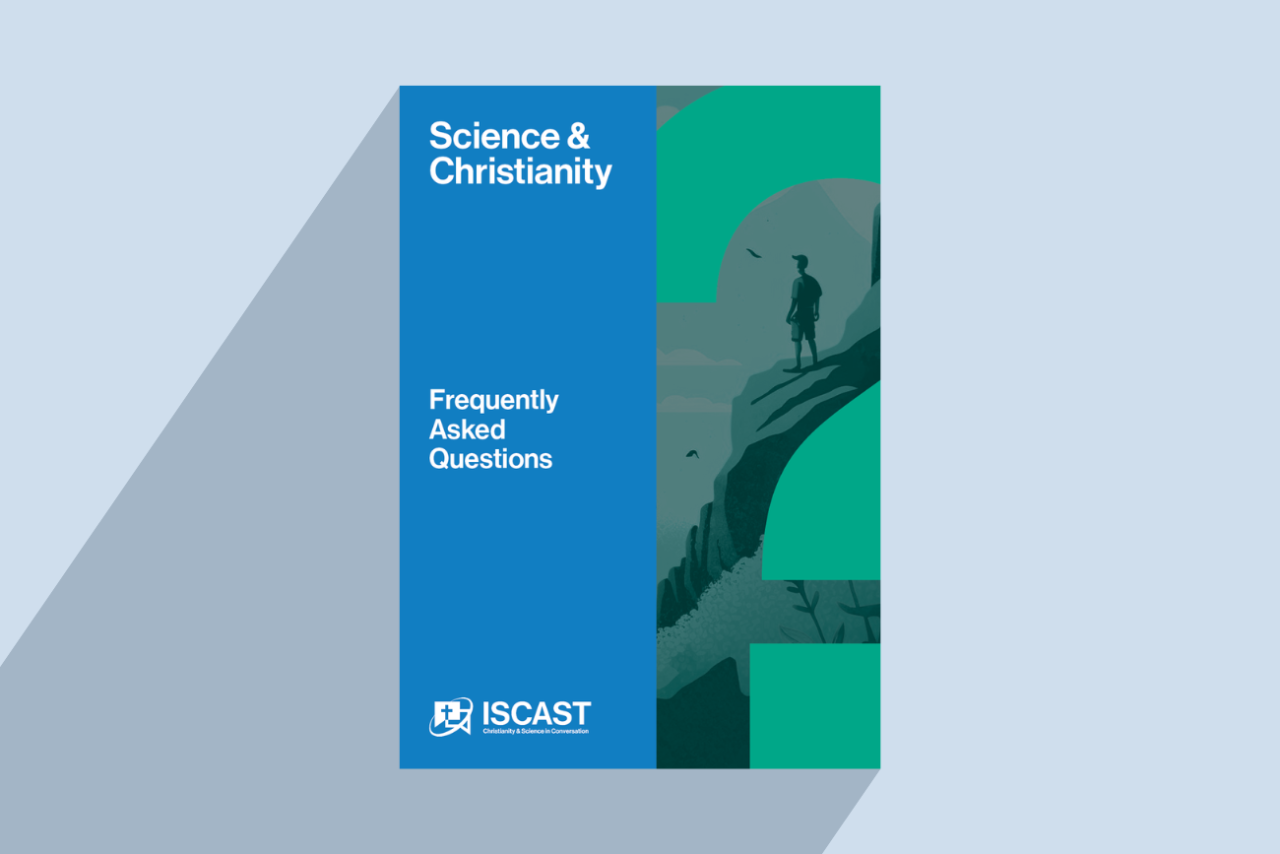
ISCAST is pleased to offer the Science & Christianity FAQ booklet as a handy resource, which briefly comments on the most frequently asked questions that we receive about science and faith.
Download the Science & Christianity FAQ Booklet
This guide is designed to offer concise responses to some of the most frequently asked questions at the science–faith intersection:
- Can a scientist believe in God?
- Can science still be a Christian vocation today?
- What about Genesis? Did God create the universe in 6 literal days?
- Is it wrong for me to believe evolutionary theory?
- I thought science and Christianity were at war. Is that true?
- Does science have limits? Will science have all the answers one day?
Written for curious students, devoted believers, or simply someone seeking a deeper understanding, our FAQ booklet provides a helpful starting point for further exploration.
Get printed FAQ booklets
We’d love to provide printed booklets for your event, church, or other group. To make a request, please email contact@iscast.org.
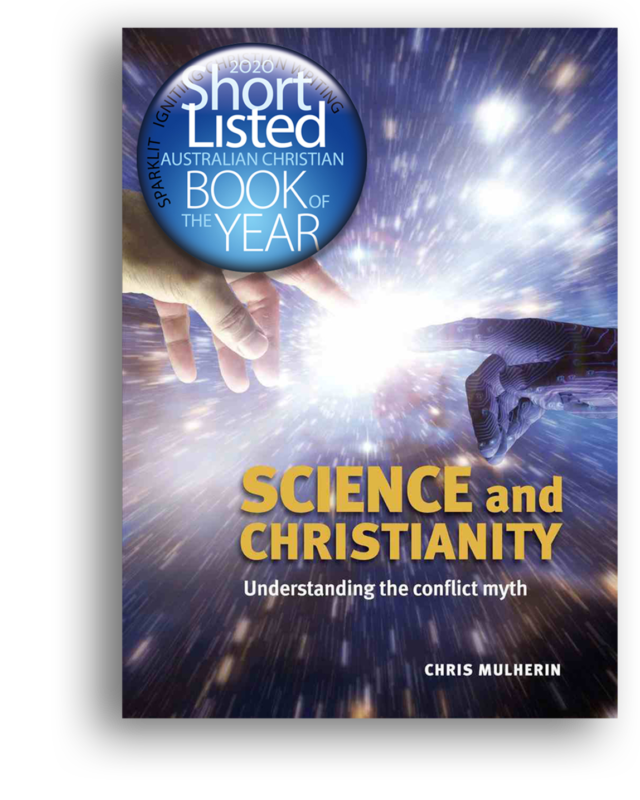 Learn more in “Science & Christianity” by Chris Mulherin
The short, succinct responses in the FAQ are dealt with at greater length in the comprehensive, easy-to-read book Science & Christianity: Understanding the Conflict Myth by ISCAST Executive Director Chris Mulherin.
Written for students, teachers, clergy, parish groups, and lay people, this is an attractive and engaging introduction to the relationship between science and Christian faith.
Buy the book here for $25 (now $20 for ISCAST members).
The book is free for new members of ISCAST; just join here, then send us an email requesting the book.
Help us keep our resources free
Our aim is to provide valuable resources like the Science and Christianity FAQ Booklet free of charge. To sustain this commitment to accessibility, we rely on the generosity of our donors.
By sharing our resources, making a donation, volunteering your expertise, or providing feedback, you play a crucial role in ensuring that our resources remain accessible to everyone. Please join us in fostering this important conversation between Christianity and the sciences.
Let us know how you can help by emailing contact@iscast.org.
More News